The beard trim books itself.
Clients tick the extras they want when they book, like a beard trim, a French tip or de-shedding. The price and the time on your calendar add up on their own.
Which plans: On every plan, including Free. See pricing
Join early accessHow it works
- 1
Create your extras
On the Services page, add each extra with its own price and time, and link it to the services it goes with.
- 2
Clients tick what they want
When they book online, an “Add extras” step lists the extras for that service. You can add extras when you book from the calendar too.
- 3
Everything adds up
The price and calendar time include the extras, and the confirmation email shows the visit as “Cut + Beard trim” with the total.
What’s included
Time that fits
A 45-minute cut with a 15-minute beard trim books 60 minutes, so the next client isn’t kept waiting.
One clean menu
One service with its extras, instead of a separate combo service for every pairing.
On the email and manage page
The confirmation email and the client’s manage page show the service, the extras and the total.
Reschedules keep the time
When a client moves the booking, the extra time moves with it.
Memberships and packages
Member discounts and covered visits apply to the service. Extras are still paid.
Deposits follow the totalAt launch
A percentage deposit is worked out on the service plus extras. A fixed deposit stays the same.
How different businesses use it
The same tool, set up for the way each kind of appointment works.
 BarbershopsA beard trim or hot towel on top of a cut, with the time added to the chair.
 Nail & lash artistsFrench tip or nail art on a gel set, so a 60-minute set with art books 90 minutes, not 60.
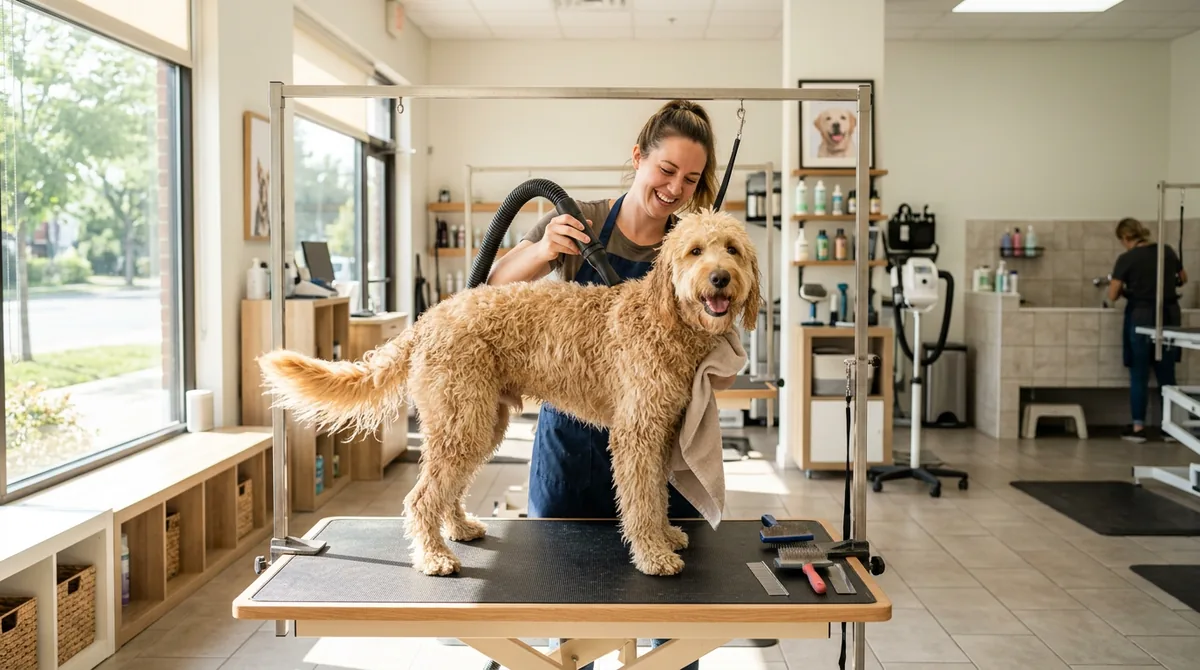 Pet groomersDe-shedding, teeth brushing or nail grinding, priced and timed up front.
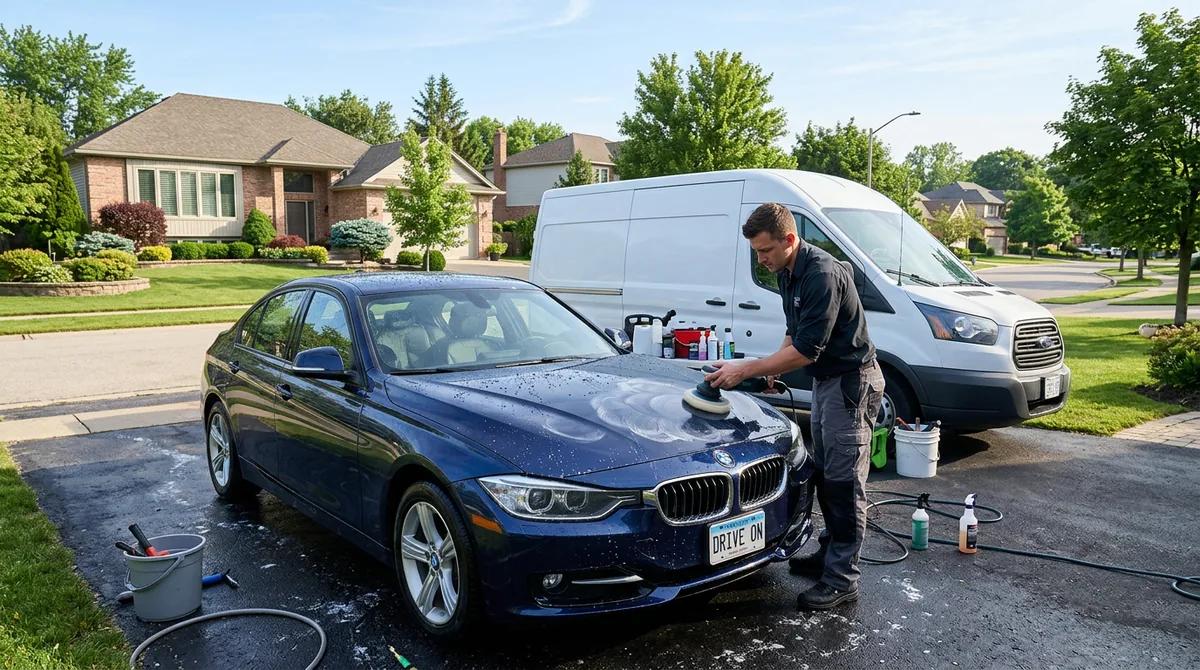 Mobile detailersEngine bay or pet hair removal added to the package when they book.
Common questions
No. Add-ons are extras on one service, with the same person, in one calendar block. Booking several services or several staff at once isn’t supported.
Yes. When you book from your calendar, you can add extras the same way clients do online.
No. Member discounts and covered visits apply to the service only, and extras are still paid.
Online deposits switch on when ServiceSprig opens, on the Solo and Shop plans. A percentage deposit is worked out on the service plus extras, and a fixed deposit stays the same.
More features
See all features- Online booking & websiteA website and booking page that go live together
- SprigLink & waitlistFill openings with one-tap links and a waitlist
- Walk-in check-in kioskA tablet at the door for walk-ins and arrivals
- Inventory & barcode scanningScan barcodes, read packing slips, track stock
- Memberships & packagesMonthly plans and prepaid visit bundles
- Reminders & automated messagesReminders, rebook nudges and review requests
- Intake & consent formsForms clients fill in before they arrive
- Recurring appointmentsBook a regular into their slot once, every 1 to 8 weeks
- PaymentsDeposits, prepay and tips through Stripe, at launch
- Checkout at the visitCash App, Venmo or PayPal by QR code, plus Zelle
- ClassesClasses with spots, a waitlist and check-in, at launch
- Switch-over importBring clients, services and upcoming bookings from your old app
- Phone alertsKnow the moment someone books, moves or cancels
- Pet & vehicle profilesEvery dog and every car on file, on the right appointment
- Grove: multi-location and back officeThe plan that runs the whole shop, every location side by side