Stock that counts itself in.
Scan a barcode with your phone camera to add a product. Upload a supplier’s packing slip and every line is matched to your shelf, ready for you to approve.
Which plans: On the Solo and Shop plans. Not included on Free. See pricing
Join early accessHow it works
- 1
Scan or upload
Point your phone at a barcode, or upload a photo or PDF of the packing slip.
- 2
Check the matches
Known products are matched for you. New ones are looked up so you only confirm the details.
- 3
Add to stock
Approve it and the quantities are added, with the slip number kept for your records.
What’s included
Camera barcode scanning
Works in the browser on your phone. USB scanners and typed codes work too.
Product lookup
New barcodes are looked up in public product databases to fill in the name.
Packing slips read by AI
The optional AI assistant reads each line. Nothing is saved until you approve it.
Low-stock alerts
Set a reorder point per product and get an email when stock runs low.
Retail sales
Record product sales and stock comes off automatically.
Service usage
Products used in a service are taken off stock when the appointment is marked done.
How different businesses use it
The same tool, set up for the way each kind of appointment works.
 Hair stylistsTrack colour and retail products, and know what to reorder before you run out.
 BarbershopsPomades and beard oils on the shelf, counted in from the delivery slip.
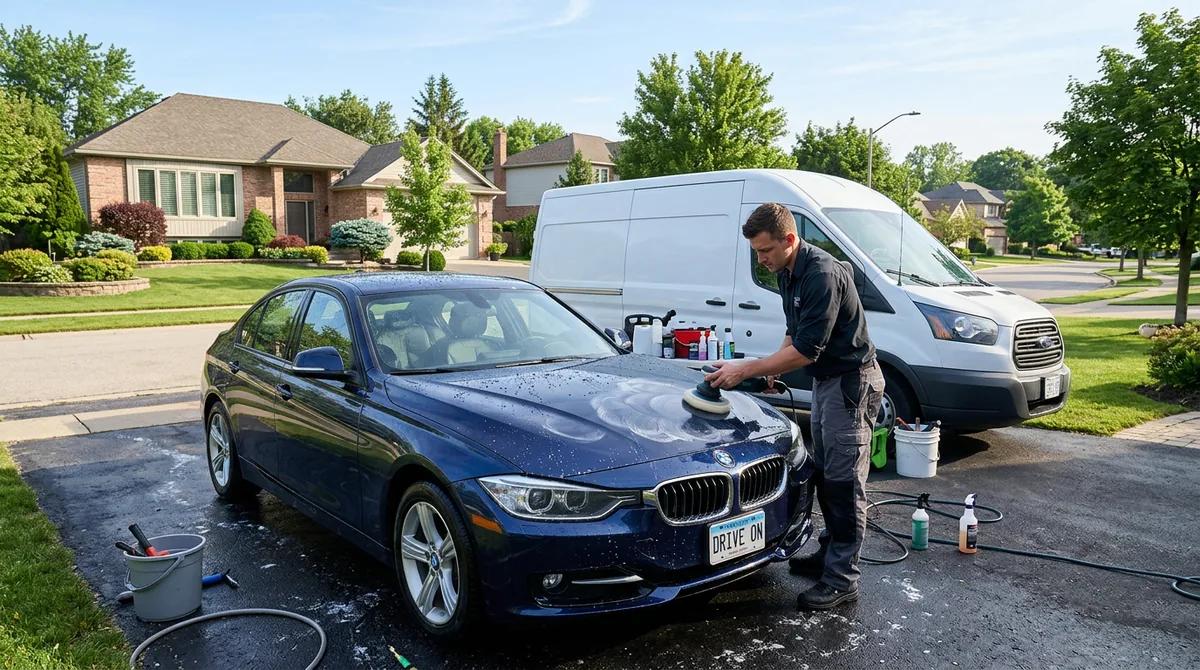 Mobile detailersKnow how much compound and coating is left in the van.
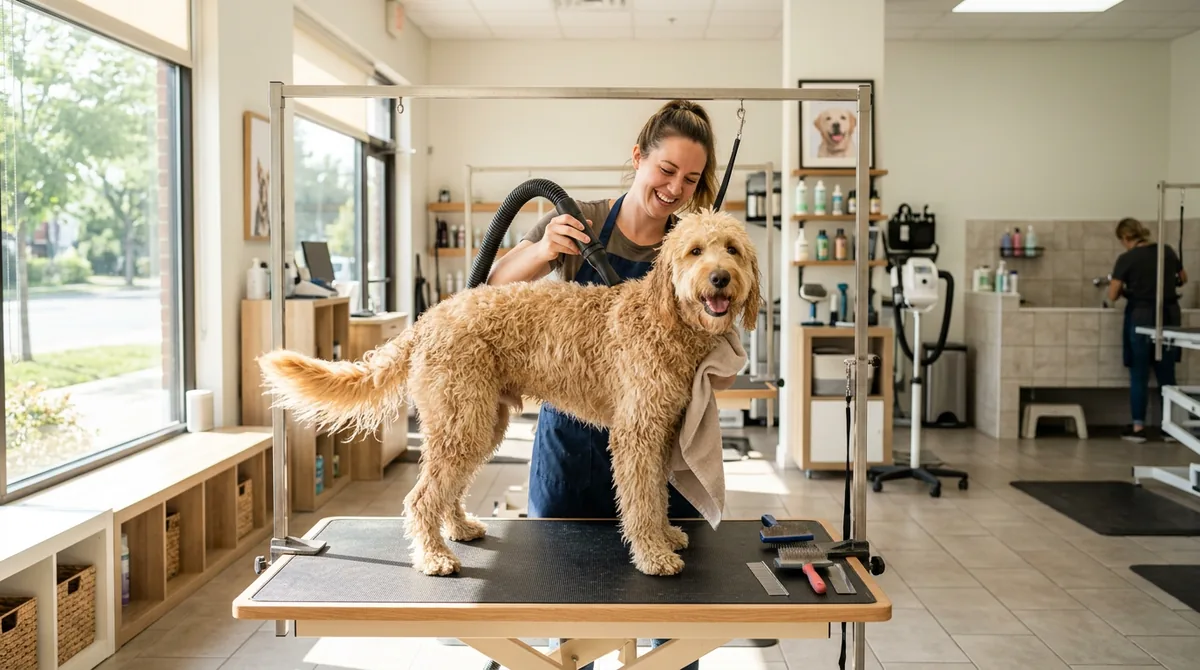 Pet groomersShampoos and retail treats, scanned in as they arrive.
Common questions
No. Your phone camera works. A USB scanner or typing the code works too.
New barcodes are looked up in public product databases. Only the barcode is sent, and you confirm the details before anything is saved.
The AI copies each line from the slip, then ServiceSprig matches it to your products. You review every line and can fix anything before stock is added.
No. Barcode scanning, stock counts and alerts all work without it. Packing slip reading is optional and uses AI credits.
More features
See all features- Online booking & websiteA website and booking page that go live together
- SprigLink & waitlistFill openings with one-tap links and a waitlist
- Walk-in check-in kioskA tablet at the door for walk-ins and arrivals
- Memberships & packagesMonthly plans and prepaid visit bundles
- Reminders & automated messagesReminders, rebook nudges and review requests
- Intake & consent formsForms clients fill in before they arrive
- Service add-onsExtras clients tick when they book, with the time added
- Recurring appointmentsBook a regular into their slot once, every 1 to 8 weeks
- PaymentsDeposits, prepay and tips through Stripe, at launch
- Checkout at the visitCash App, Venmo or PayPal by QR code, plus Zelle
- ClassesClasses with spots, a waitlist and check-in, at launch
- Switch-over importBring clients, services and upcoming bookings from your old app
- Phone alertsKnow the moment someone books, moves or cancels
- Pet & vehicle profilesEvery dog and every car on file, on the right appointment
- Grove: multi-location and back officeThe plan that runs the whole shop, every location side by side