Know the moment someone books.
Get an alert on your phone for new bookings, moved or cancelled visits, claimed waitlist spots and new forms. No app store download, and client details stay off your lock screen unless you choose to show them.
Which plans: On every plan, including Free. See pricing
Join early accessHow it works
- 1
Add ServiceSprig to your home screen
Open your dashboard on your phone and add it to your home screen. On iPhone this needs iOS 16.4 or later.
- 2
Turn on alerts for this phone
Tap “Get alerts on this phone” and send yourself a test alert to check it works.
- 3
Pick what you hear about
Choose alerts for new bookings, moves, cancellations, waitlist claims and forms, for everyone’s calendar or just your own.
What’s included
Five kinds of alert
New booking, booking moved, booking cancelled, waitlist spot claimed and form received. Turn each one on or off per phone.
Private on the lock screen
By default an alert shows the time and the team member’s first name. Client names and services only show if you turn that on. Notes, phone numbers, emails and prices never do.
Everyone’s or just yours
Owners and managers can follow the whole calendar or only their own. Staff get alerts for their own appointments.
No noise from your own changes
You aren’t alerted about bookings you made or moved yourself.
Every phone you use
Turn alerts on for each phone separately, with a test button on each.
Email still works
Phone alerts sit alongside the email alerts you already get.
How different businesses use it
The same tool, set up for the way each kind of appointment works.
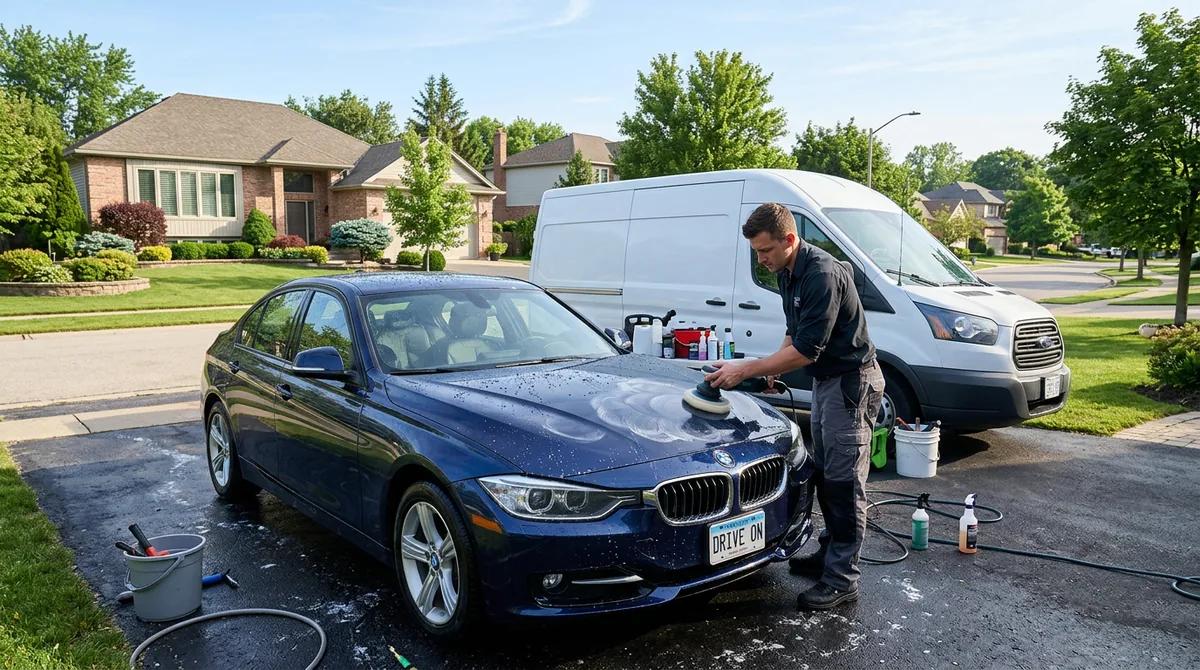 Mobile detailersHear about a new job between cars, without opening your email.
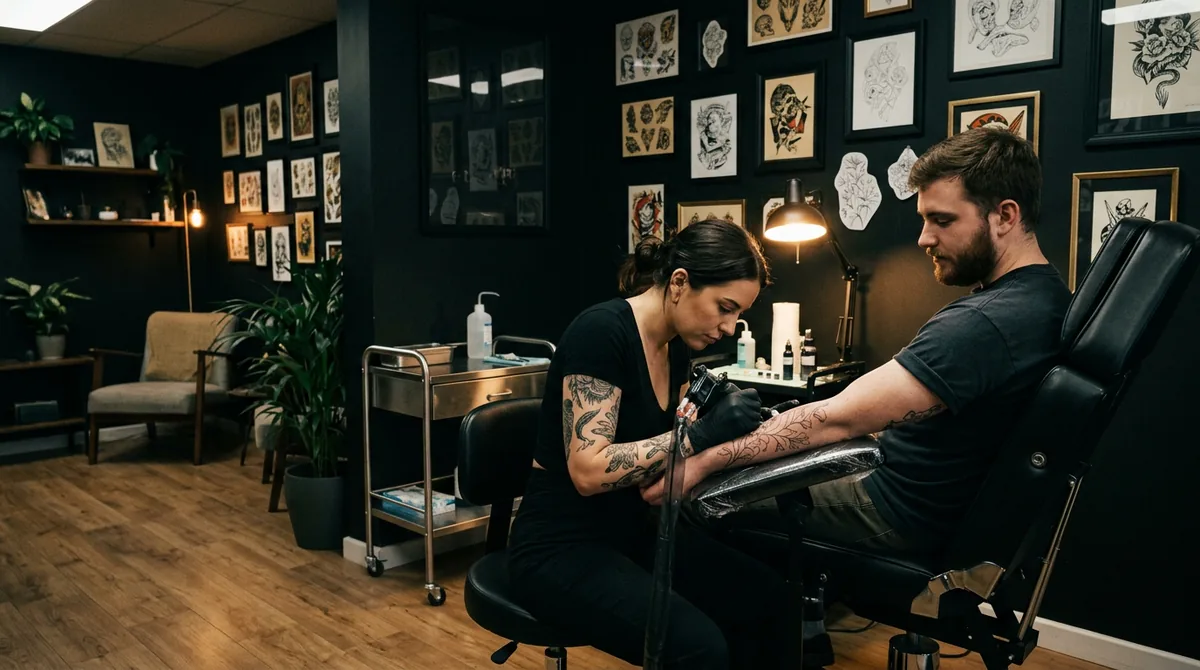 Tattoo artistsKnow a consultation form has arrived while you’re mid-session.
 BarbershopsEach barber gets alerts for their own chair only.
 Fitness & personal coachesSee a cancelled session in time to offer the slot to someone else.
Common questions
No. Alerts are notifications from the ServiceSprig dashboard on your phone, after you add it to your home screen. There is no text message charge and no app store app.
Yes, on iOS or iPadOS 16.4 and later. Add ServiceSprig to your home screen and open it from there, then turn alerts on.
No. Alerts cover new bookings, moves, cancellations, waitlist claims and new forms.
No. Phone alerts are for you and your team. Clients get their own confirmation and reminder emails.
More features
See all features- Online booking & websiteA website and booking page that go live together
- SprigLink & waitlistFill openings with one-tap links and a waitlist
- Walk-in check-in kioskA tablet at the door for walk-ins and arrivals
- Inventory & barcode scanningScan barcodes, read packing slips, track stock
- Memberships & packagesMonthly plans and prepaid visit bundles
- Reminders & automated messagesReminders, rebook nudges and review requests
- Intake & consent formsForms clients fill in before they arrive
- Service add-onsExtras clients tick when they book, with the time added
- Recurring appointmentsBook a regular into their slot once, every 1 to 8 weeks
- PaymentsDeposits, prepay and tips through Stripe, at launch
- Checkout at the visitCash App, Venmo or PayPal by QR code, plus Zelle
- ClassesClasses with spots, a waitlist and check-in, at launch
- Switch-over importBring clients, services and upcoming bookings from your old app
- Pet & vehicle profilesEvery dog and every car on file, on the right appointment
- Grove: multi-location and back officeThe plan that runs the whole shop, every location side by side