
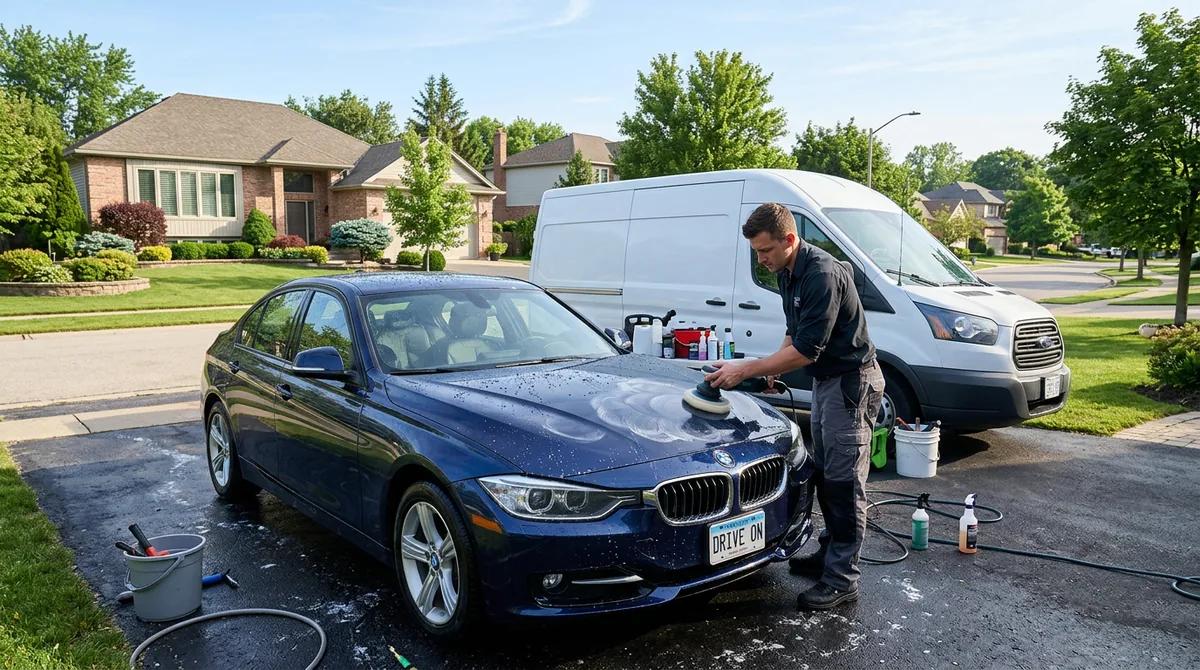
Paperwork done before they walk in.
Build intake and consent forms, attach them to services, and clients get a link to fill them in as soon as they book.
Which plans: Free includes one form. Solo and Shop include as many forms as you need. See pricing
Join early accessHow it works
- 1
Build the form
Add the questions you need: text, choices, dates, checkboxes and a signature.
- 2
Attach it to services
Ask on every booking, only the first time, or once a year.
- 3
Clients fill it in
They get a private link when they book, and the calendar shows whether it is done.
What’s included
Per-service forms
Attach a form to all services or only the ones that need it.
How often to ask
Every booking, once, or yearly.
Signed answers stay fixed
A submitted response can’t be edited afterwards.
Private links
Each link is for one client and one booking, and expires after the visit.
Staff privacy
Team members only see responses for their own appointments.
Photo uploads
Clients add reference or “before” photos from their phone’s camera or gallery. Photos stay private to your business, and location data is removed.
How different businesses use it
The same tool, set up for the way each kind of appointment works.
 Massage therapistsHealth history and pressure preferences before the first session.
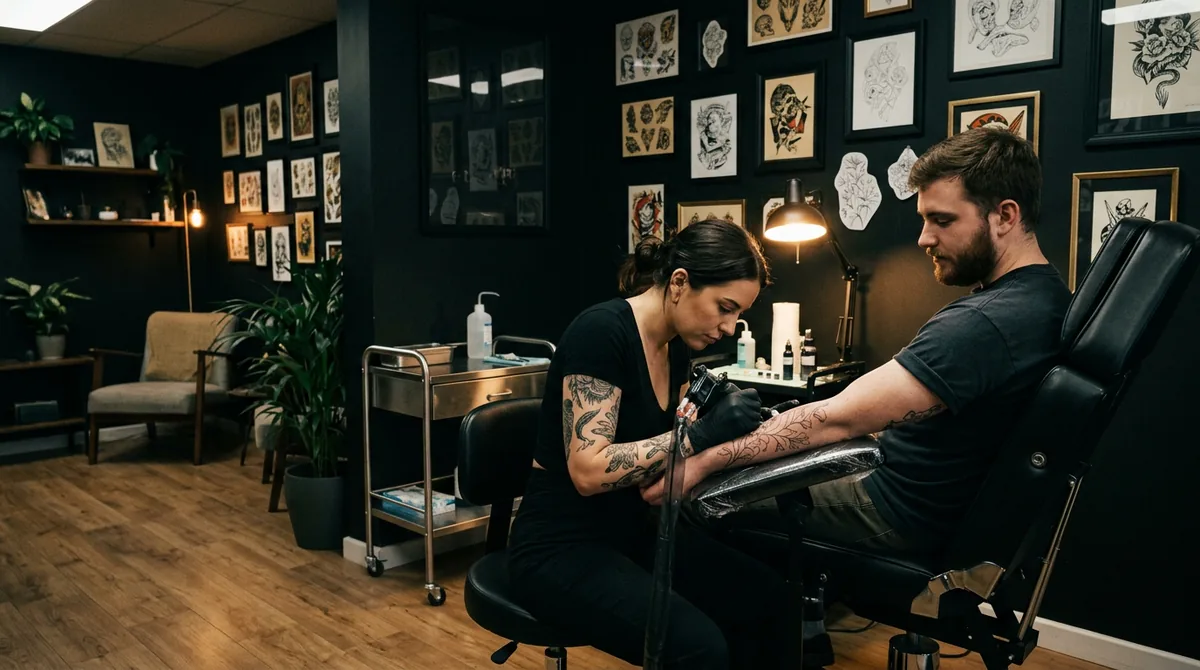 Tattoo artistsPlacement, size and style questions, plus a signed consent.
 Nail & lash artistsAllergy and patch-test questions for new lash clients.
 Fitness & personal coachesA readiness questionnaire before training starts.
Common questions
As soon as their booking is confirmed. The calendar shows whether it is pending or done.
No. Responses are locked once submitted, so you keep what was agreed.
Owners and managers see all responses. Other team members only see responses for their own appointments.
More features
See all features- Online booking & websiteA website and booking page that go live together
- SprigLink & waitlistFill openings with one-tap links and a waitlist
- Walk-in check-in kioskA tablet at the door for walk-ins and arrivals
- Inventory & barcode scanningScan barcodes, read packing slips, track stock
- Memberships & packagesMonthly plans and prepaid visit bundles
- Reminders & automated messagesReminders, rebook nudges and review requests
- Service add-onsExtras clients tick when they book, with the time added
- Recurring appointmentsBook a regular into their slot once, every 1 to 8 weeks
- PaymentsDeposits, prepay and tips through Stripe, at launch
- Checkout at the visitCash App, Venmo or PayPal by QR code, plus Zelle
- ClassesClasses with spots, a waitlist and check-in, at launch
- Switch-over importBring clients, services and upcoming bookings from your old app
- Phone alertsKnow the moment someone books, moves or cancels
- Pet & vehicle profilesEvery dog and every car on file, on the right appointment
- Grove: multi-location and back officeThe plan that runs the whole shop, every location side by side