Get paid at the visit, the way your client already pays.
Check out a visit with the service, add-ons and tip. If your client pays with Cash App, Venmo or PayPal, show a QR code and their app opens with your account and the amount. Then mark it paid.
Which plans: Mark paid (cash, Cash App, Venmo, PayPal, Zelle) is on every plan, Free included. Saved handles and the QR code are on the Solo and Shop plans. See pricing
Join early accessHow it works
- 1
Add your handles once
In Settings, Payments, Other ways you take payment: your $cashtag, Venmo username, PayPal.Me name or Zelle email or phone, and the name your client will see. Test the link with $1.00 on your own phone and tick that it shows your account.
- 2
Check out the visit
The service and add-ons are already there. Add a tip, check the total, and pick how your client is paying.
- 3
Show the QR, then mark it paid
Your client scans the code with their phone camera and pays in their own app. Check the money arrived in your app, then tap Mark paid.
What’s included
A QR code for Cash App, Venmo and PayPal
Full screen, so your client can scan it with their phone camera. Their app opens with your account and the amount filled in. The amount and your name are on the screen too, to copy if the app doesn’t fill them in.
A note on Venmo
Venmo payments get a short note with the service and your business name. Never your client’s name.
Zelle details to copy
Zelle has no link that fills in the amount, so the screen shows your Zelle email or phone and the amount for your client to copy.
Cash, your own card reader, or other
Record those too, so every visit shows how it was paid.
Mark paid, with undo
Records the way they paid, the amount and the tip. Whoever marked it can undo it for 10 minutes. After that, an owner or manager can void it with a reason.
Kept apart in Reports
On Solo and Shop, Reports show these payments apart from card payments taken online through Stripe.
The app’s fees and terms apply
Cash App, Venmo and PayPal have their own rules and fees for business payments, and may need a business account. ServiceSprig doesn’t process or see these payments.
How different businesses use it
The same tool, set up for the way each kind of appointment works.
 BarbershopsA walk-in pays by Cash App at the chair. Show the code, check your app, mark it paid.
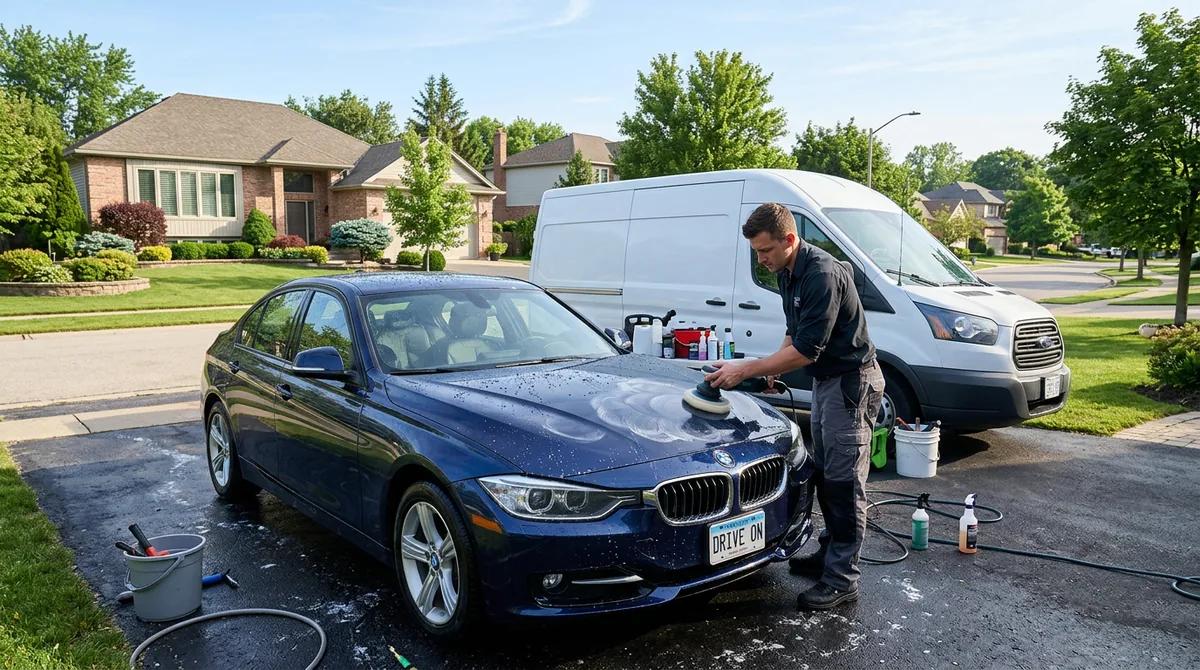 Mobile detailersFinish the job in the driveway and get paid by Venmo before you pack up.
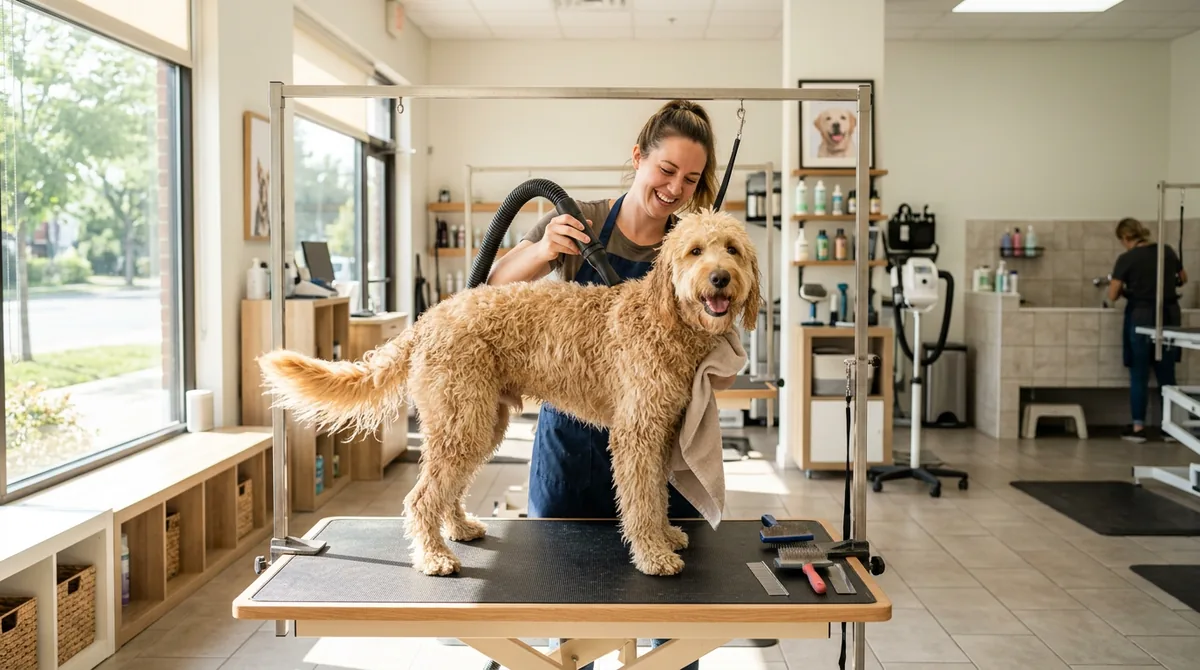 Pet groomersAdd the tip at pick-up and show the PayPal code at the counter.
 Fitness & personal coachesClients who already pay you by Zelle see the email and amount to copy.
Common questions
No. The money goes from your client’s app straight to your account in that app. ServiceSprig doesn’t process, hold or see it. “Paid” in ServiceSprig means you tapped Mark paid, so check the money arrived in your app first.
Cash App, Venmo and PayPal set their own fees and rules for business payments, and they charge them. Use a business account if the app needs one. Your bank’s terms apply to Zelle.
Mark paid is on every plan, Free included. Saving your handles and showing the QR code are on the Solo ($24.99) and Shop ($69.99) plans (proposed pricing).
PayPal documents its link with the amount. Cash App and Venmo links with the amount are widely used but not officially documented, so the amount and your name are always shown on the screen too.
No. ServiceSprig can’t see these payments, so a booking can’t wait on one. Online deposits use Stripe on the Solo and Shop plans.
These apps may send you a tax form for business payments. Talk to your tax preparer.
More features
See all features- Online booking & websiteA website and booking page that go live together
- SprigLink & waitlistFill openings with one-tap links and a waitlist
- Walk-in check-in kioskA tablet at the door for walk-ins and arrivals
- Inventory & barcode scanningScan barcodes, read packing slips, track stock
- Memberships & packagesMonthly plans and prepaid visit bundles
- Reminders & automated messagesReminders, rebook nudges and review requests
- Intake & consent formsForms clients fill in before they arrive
- Service add-onsExtras clients tick when they book, with the time added
- Recurring appointmentsBook a regular into their slot once, every 1 to 8 weeks
- PaymentsDeposits, prepay and tips through Stripe, at launch
- ClassesClasses with spots, a waitlist and check-in, at launch
- Switch-over importBring clients, services and upcoming bookings from your old app
- Phone alertsKnow the moment someone books, moves or cancels
- Pet & vehicle profilesEvery dog and every car on file, on the right appointment
- Grove: multi-location and back officeThe plan that runs the whole shop, every location side by side