Guide for nail techs, lash artists, barbers and stylists
How to get clients to book online instead of by DM
Move clients from Instagram DMs and texts to online booking: what to put on your booking page, how to reply to DMs, and how to make the switch stick.
Published 5 min readWritten by the ServiceSprig team, reviewed by Trevor, founder. How we write these
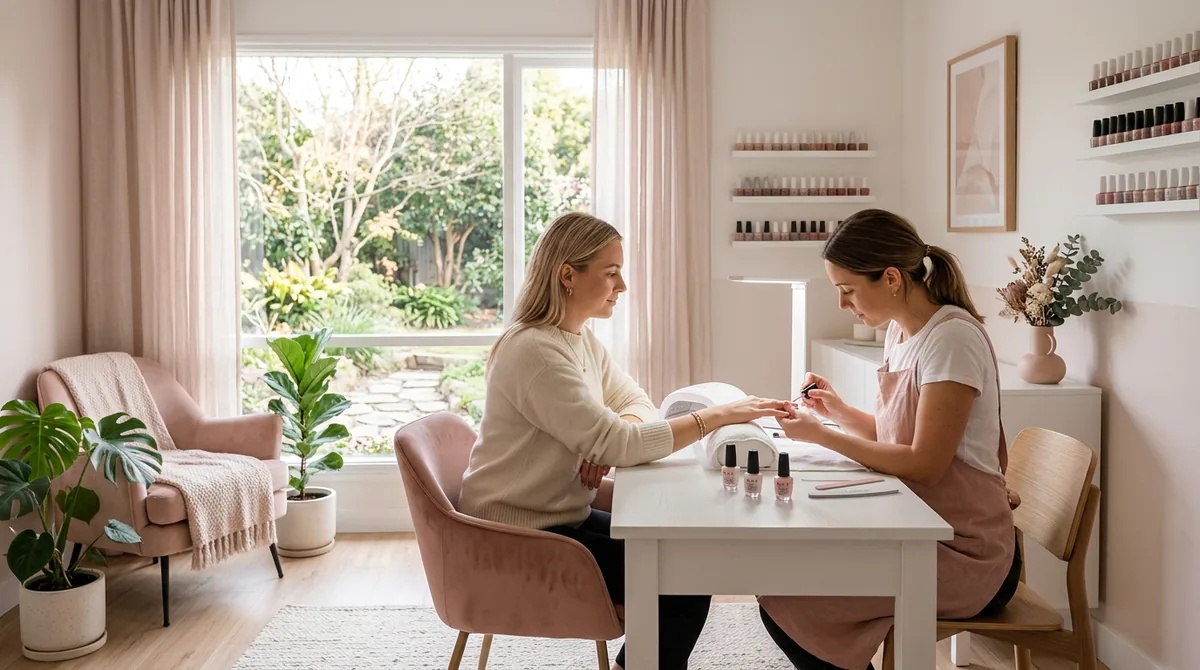
"Hey hun, do you have anything Thursday?" It's 10:40pm, you're on the sofa, and you're scrolling your calendar to answer. Then they ask the price. Then whether you do chrome. Then they go quiet for two days and come back asking about Friday instead.
DM booking feels personal, and for a while it works. But it doesn't scale. Every booking is five to ten messages, you're working when you should be off, and the slot you held for someone who went quiet stays empty. This guide is about moving clients to online booking without losing the personal touch that got them to message you in the first place.
Why clients DM instead of booking
Before you change anything, understand why they message you. Usually it's one of these:
- They can't find the booking link. It's buried, broken, or not in your bio.
- They don't know the price. So they ask, and the conversation starts.
- They don't know which service to pick. "Is a fill or a full set right for me?"
- They don't see times that suit them, so they ask whether you can squeeze them in.
- They've always done it that way, and nobody told them there's a better one.
Fix each of these and most DMs go away on their own.
1. Put one booking link everywhere
Use the same link in every place a client might look:
- Your Instagram, TikTok and Facebook bio.
- Your Google Business Profile, as the booking or website link.
- Your story highlights, with a "Book" highlight.
- Your email signature, voicemail and the card you hand out.
One link that always works beats five that sometimes do.
2. Answer the questions before they ask
A booking page that does its job answers the DM questions up front:
- Prices, or "from" prices, for every service.
- How long each service takes, so clients can plan around it.
- What each service is, in one plain sentence. "Fill: up to 3 weeks after your last set. After that, book a full set."
- Extras with their price, like nail art, removal or a beard trim, so clients add them themselves.
- Your policy: cancellation window and any deposit, in two or three lines.
- Photos of your work, so they don't need to ask whether you do that style.
3. Reply to DMs with the link, warmly
You don't have to stop answering DMs. Change what you answer with. Keep two or three saved replies:
Hi! Thanks for messaging. All my open times are here, and you can book in a minute: [link]. If you don't see a time that works, tell me and I'll let you know if one opens up.
Great question! A fill is for up to 3 weeks after your last set, and a full set is after that. You can pick either here: [link]
For a regular you know well, send them a link to one exact time instead of your whole calendar: "I've got Thursday at 4. Here's a link that books it for you: [link]." One tap, and it's done.
4. Make booking faster than messaging
If booking online takes longer than a DM, clients will keep messaging. Check:
- No account or password needed to book.
- It works on a phone, in a normal browser, with no app to download.
- Three or four taps from your bio to a confirmed booking.
- An instant confirmation with a link to move or cancel.
Try it yourself on your phone, start to finish, and time it.
5. Tell your regulars, once, clearly
Regulars won't change unless you ask. Send one short message, by text or DM:
Quick update: I've moved my bookings online so you can see every open time and book any time, even at midnight. Here's your link: [link]. You'll get a confirmation and a reminder, and you can move or cancel from there.
Then, for a few weeks, answer booking DMs with the link and nothing else. Most people switch within one or two bookings.
6. Keep the personal parts
Online booking replaces the back-and-forth, not the relationship. Keep:
- Notes on each client, so you remember their usual set or their dog's name.
- A short intake form for new clients, with inspiration photos.
- A quick personal message after the first visit.
What this looks like in ServiceSprig
- Website and booking page in one, on every plan, with your services, prices, lengths and photos. Your own domain on Solo and Shop.
- No account for clients: they book, move and cancel with no password and no app.
- Add-ons clients tick when they book, with the time and price added up.
- SprigLinks: a one-time link to one open time, sent by text, email or DM. On every plan; on Free you copy or share each link yourself.
- A booking button for a website you already have.
- Forms with photo uploads, so inspiration photos arrive with the booking instead of in a DM thread.
- Email confirmations and reminders on every plan. Text reminders are planned.
The setup steps are in the help guides Your website and booking page and Get booked more.
Your checklist
- One booking link, in every bio and on Google.
- Prices, lengths and descriptions for every service.
- Extras listed with their price.
- Saved DM replies that send the link.
- A one-time link for regulars' usual times.
- One clear message to regulars about the change.
FAQ
Will I lose clients who prefer to message? Rarely, if you keep replying, warmly, with the link. Some clients will always message first. Book those ones yourself from your calendar, and they still get the confirmation and reminder.
Should I still answer DMs at night? Not about bookings. With online booking in place, a saved reply with your link is enough, and clients can book any time without you.
What if a client wants a time that isn't showing? Tell them you'll let them know if one opens. When a slot frees up, send them a one-time link to it.
Do clients need to download an app to book with ServiceSprig? No. They book in any phone browser, with no account.
Can I use ServiceSprig today? ServiceSprig opens to everyone on Tue 8 Dec 2026. Until then you can join early access.